[Oracle RAC 11.2 Installation on Oracle Linux 5.8 x86_64]: Applying PSU 11.2.0.3.2 patches to $GRID_HOME and $ORACLE_HOME
DOWNLOADS (For account holders with a support contract):
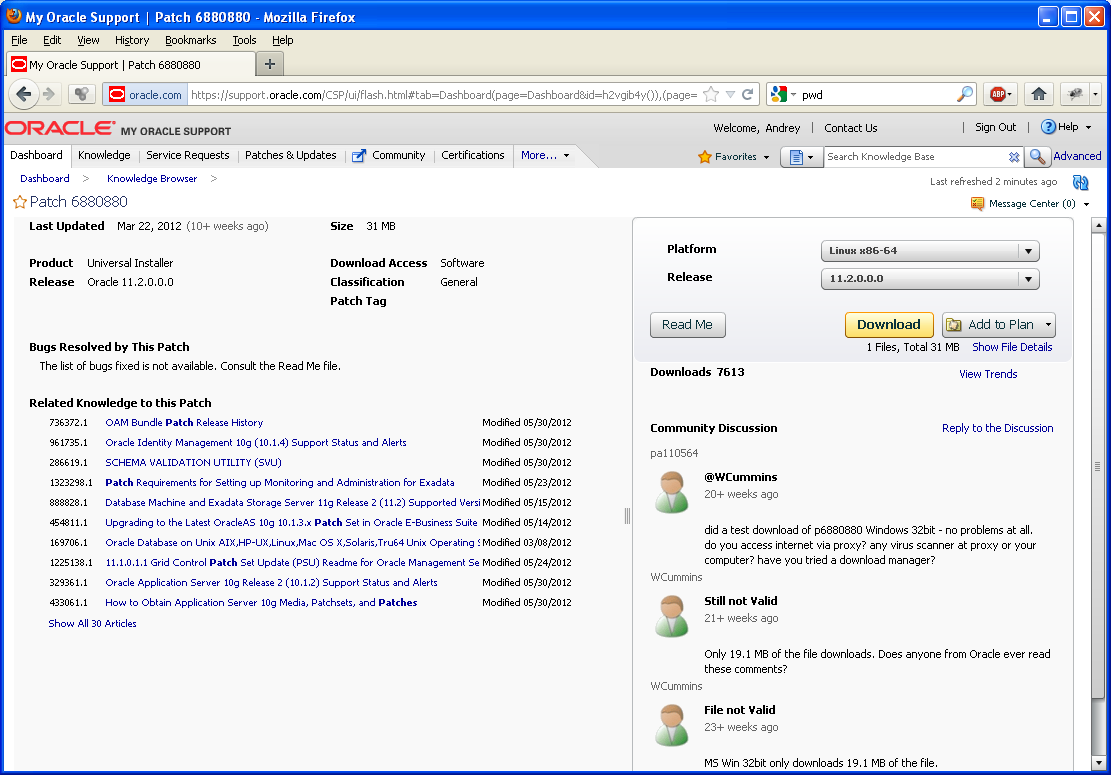
OPatch
https://updates.oracle.com/ARULink/PatchDetails/process_form?patch_num=6880880
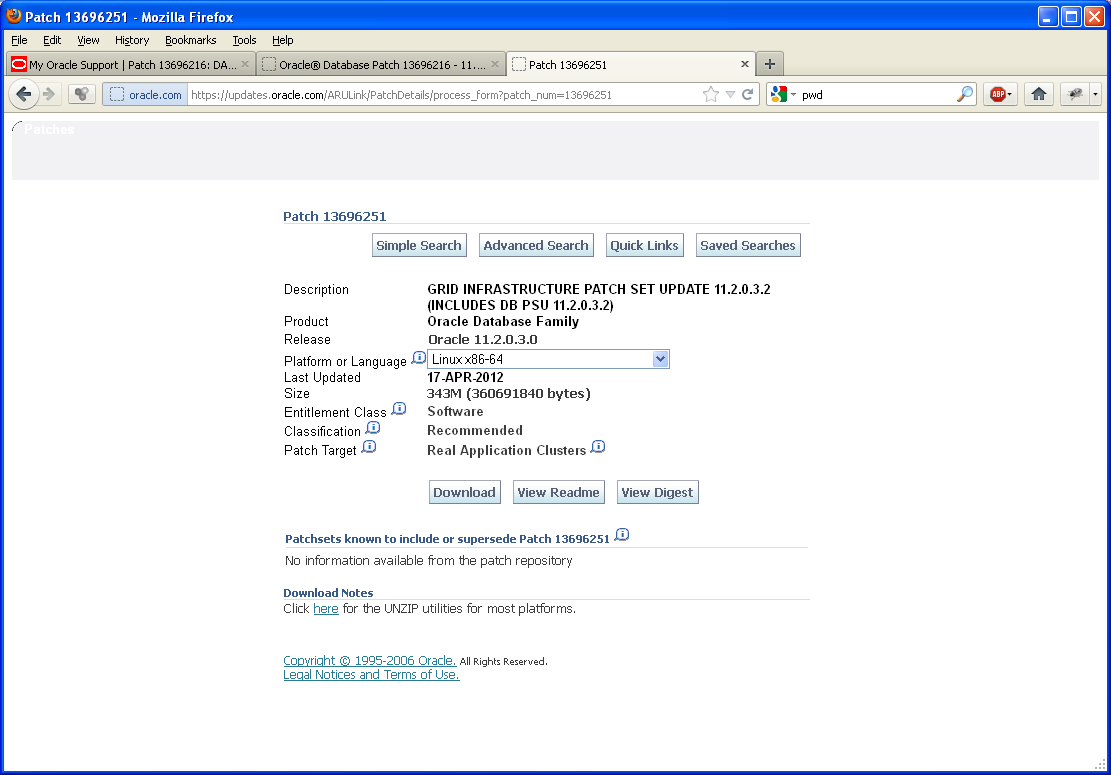
GRID
https://updates.oracle.com/ARULink/PatchDetails/process_form?patch_num=13696251
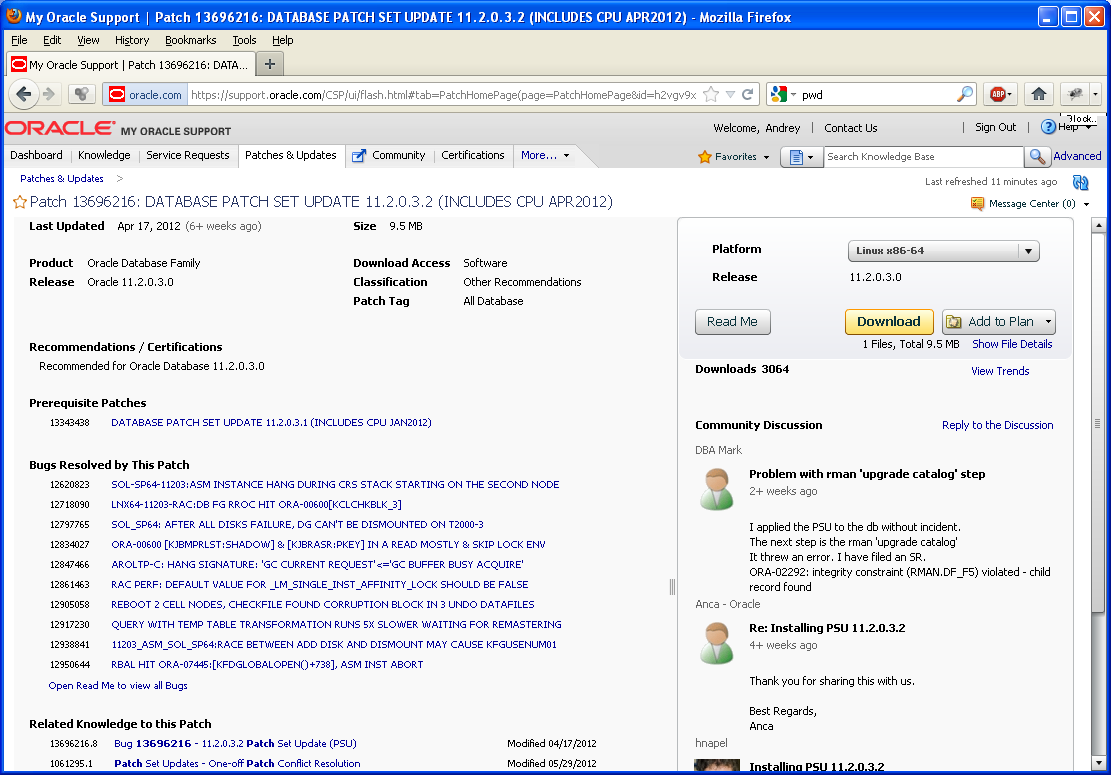
The patch description states that for RAC you need to use
GRID INFRASTRUCTURE PATCH SET UPDATE 11.2.0.3.2 (INCLUDES DB PSU 11.2.0.3.2)
First on node 1
-
Update OPatch and check patches and configuration
rm -rf /u01/app/grid/11.2/OPatch
rm -rf /u01/app/oracle/product/rac/11.2/OPatch
unzip p6880880_112000_Linux-x86-64.zip
# cp -r OPatch /u01/app/grid/11.2
# cp -r OPatch /u01/app/oracle/product/rac/11.2
# chown -R oracle11:dba /u01/app/grid/11.2/OPatch
# chown -R oracle11:dba /u01/app/oracle/product/rac/11.2/OPatch
Check that the opatches have the required version 11.2.0.3.0
# su - oracle11 -c '/u01/app/grid/11.2/OPatch/opatch version -oh /u01/app/grid/11.2'
# su - oracle11 -c '/u01/app/oracle/product/rac/11.2/OPatch/opatch version -oh /u01/app/oracle/product/rac/11.2'
Validation of Oracle Inventory
# su - oracle11 -c '/u01/app/grid/11.2/OPatch/opatch lsinventory -detail -oh /u01/app/grid/11.2'
# su - oracle11 -c '/u01/app/oracle/product/rac/11.2/OPatch/opatch lsinventory -detail -oh /u01/app/oracle/product/rac/11.2'
What bugs were fixed
# su - oracle11 -c '/u01/app/grid/11.2/OPatch/opatch lsinventory -bugs_fixed -oh /u01/app/grid/11.2'
# su - oracle11 -c '/u01/app/oracle/product/rac/11.2/OPatch/opatch lsinventory -bugs_fixed -oh /u01/app/oracle/product/rac/11.2'
Check patches for compliance:
# su - oracle11 -c '/u01/app/grid/11.2/OPatch/opatch prereq CheckConflictAgainstOHWithDetail -ph /tmp/patches/13696216 -oh /u01/app/grid/11.2'
# su - oracle11 -c '/u01/app/grid/11.2/OPatch/opatch prereq CheckConflictAgainstOHWithDetail -ph /tmp/patches/13696251 -oh /u01/app/grid/11.2'
# su - oracle11 -c '/u01/app/oracle/product/rac/11.2/OPatch/opatch prereq CheckConflictAgainstOHWithDetail -ph /tmp/patches/13696216 -oh /u01/app/oracle/product/rac/11.2'
# su - oracle11 -c '/u01/app/oracle/product/rac/11.2/OPatch/opatch prereq CheckConflictAgainstOHWithDetail -ph /tmp/patches/13696251 -oh /u01/app/oracle/product/rac/11.2'
-
Create response file:
su - oracle11
$ cd /u01/app/grid/11.2/OPatch/ocm/bin
./emocmrsp
$ cd /u01/app/oracle/product/rac/11.2/OPatch/ocm/bin/
./emocmrsp
-
Copy distributions: For a long time I could not understand why scripts run as root fail with an error. It turned out that it is enough to specify the owner oracle11.
# cd /tmp/patches # unzip p13696251_112030_Linux-x86-64.zip # rm -rf p13696251_112030_Linux-x86-64.zip # chown -R oracle11:dba ./ -
Applying patches:
// PATCHING GRID_HOME
# /u01/app/grid/11.2/OPatch/opatch auto /tmp/patches -oh /u01/app/grid/11.2 -ocmrf /u01/app/grid/11.2/OPatch/ocm/bin/ocm.rsp
// PATCHING ORACLE_HOME
# /u01/app/oracle/product/rac/11.2/OPatch/opatch auto /tmp/patches -oh /u01/app/oracle/product/rac/11.2 -ocmrf /u01/app/oracle/product/rac/11.2/OPatch/ocm/bin/ocm.rsp
-
Applying changes in the database.
cd $ORACLE_HOME/rdbms/admin sqlplus /nolog SQL> CONNECT / AS SYSDBA SQL> STARTUP SQL> @catbundle.sql psu apply SQL> QUIT
That patches version 11.2.0.3.2 are installed can be checked with the following script.
sql> SELECT * FROM dba_registry_history ORDER BY action_time DESC;
However, when calling sqlplus, version 11.2.0.3.0 is still displayed
SQL> COL PRODUCT FORMAT A35
SQL> COL VERSION FORMAT A15
SQL> COL STATUS FORMAT A15
SQL> SELECT * FROM PRODUCT_COMPONENT_VERSION;
PRODUCT                             VERSION         STATUS
----------------------------------- --------------- ---------------
NLSRTL                              11.2.0.3.0      Production
Oracle Database 11g Enterprise Edit 11.2.0.3.0      64bit Productio
ion                                                 n

PL/SQL                              11.2.0.3.0      Production
TNS for Linux:                      11.2.0.3.0      Production
SQL> select * from v$version;
BANNER
--------------------------------------------------------------------------------
Oracle Database 11g Enterprise Edition Release 11.2.0.3.0 - 64bit Production
PL/SQL Release 11.2.0.3.0 - Production
CORE    11.2.0.3.0      Production
TNS for Linux: Version 11.2.0.3.0 - Production
NLSRTL Version 11.2.0.3.0 - Production