[Installing Oracle Database 12c Release 1 on Microsoft Windows 2008 Server]: Before Installation
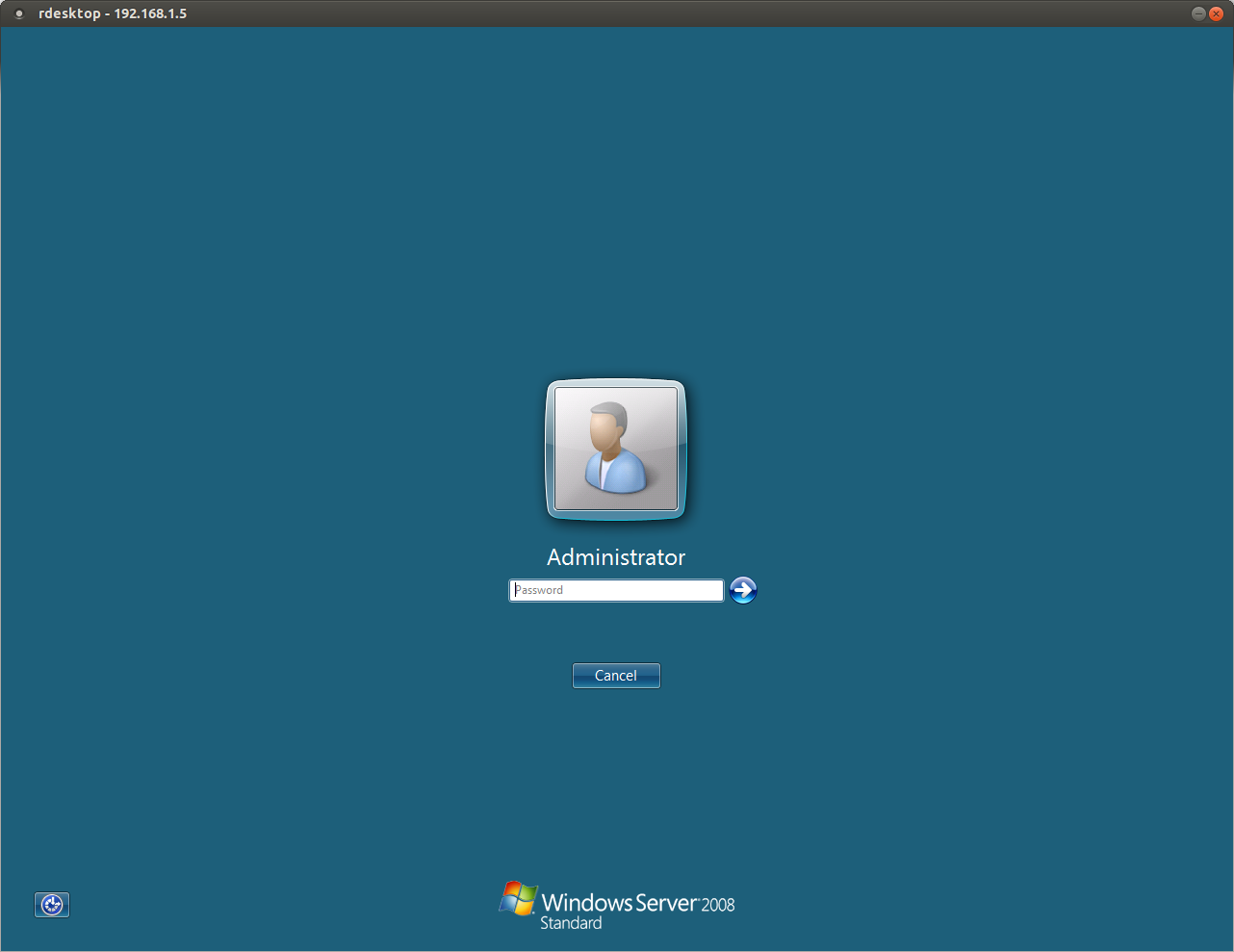
Log in with the Administrator account
(I tried installing Oracle under an account created specifically for database installation and got errors).
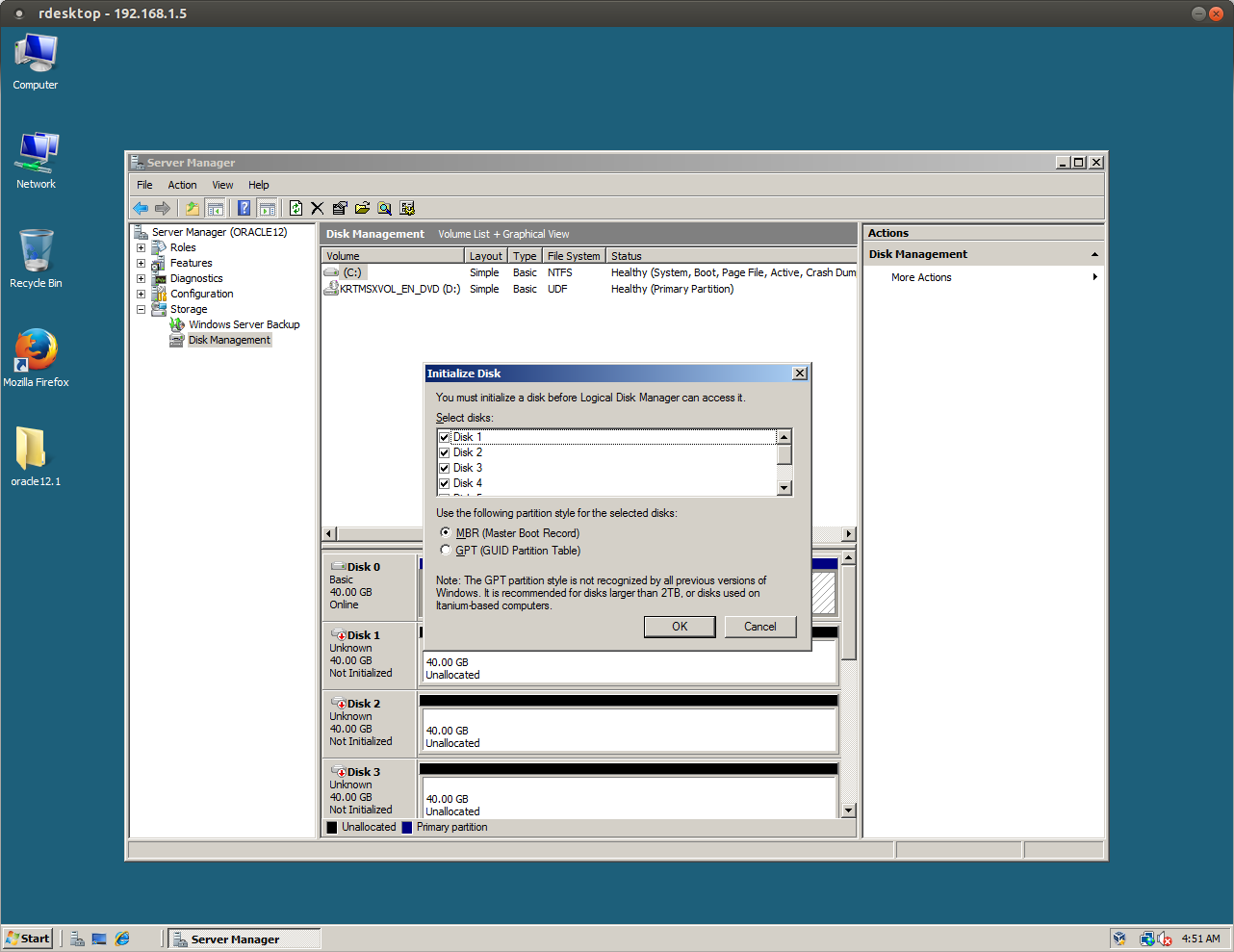
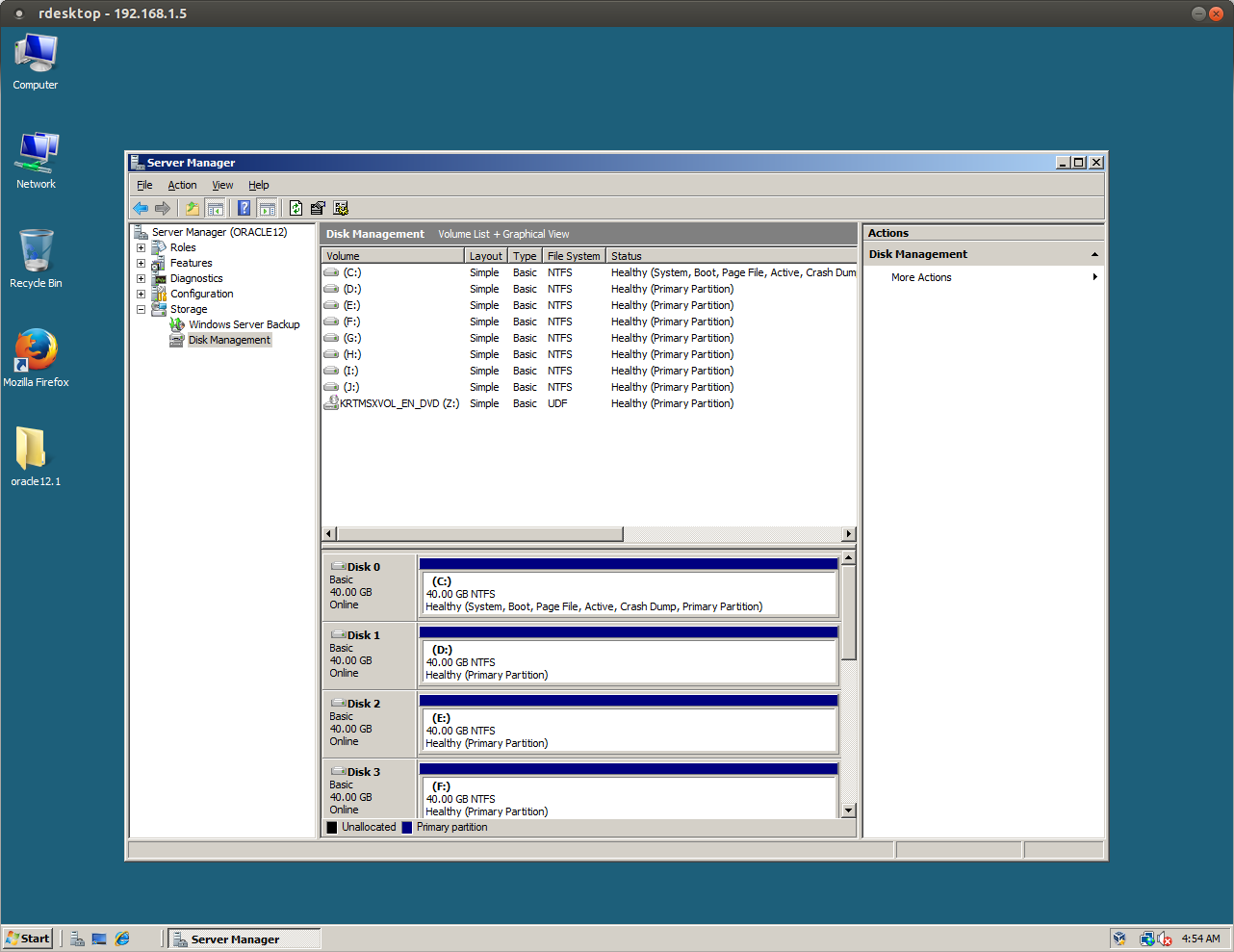
Initialize the hard disks
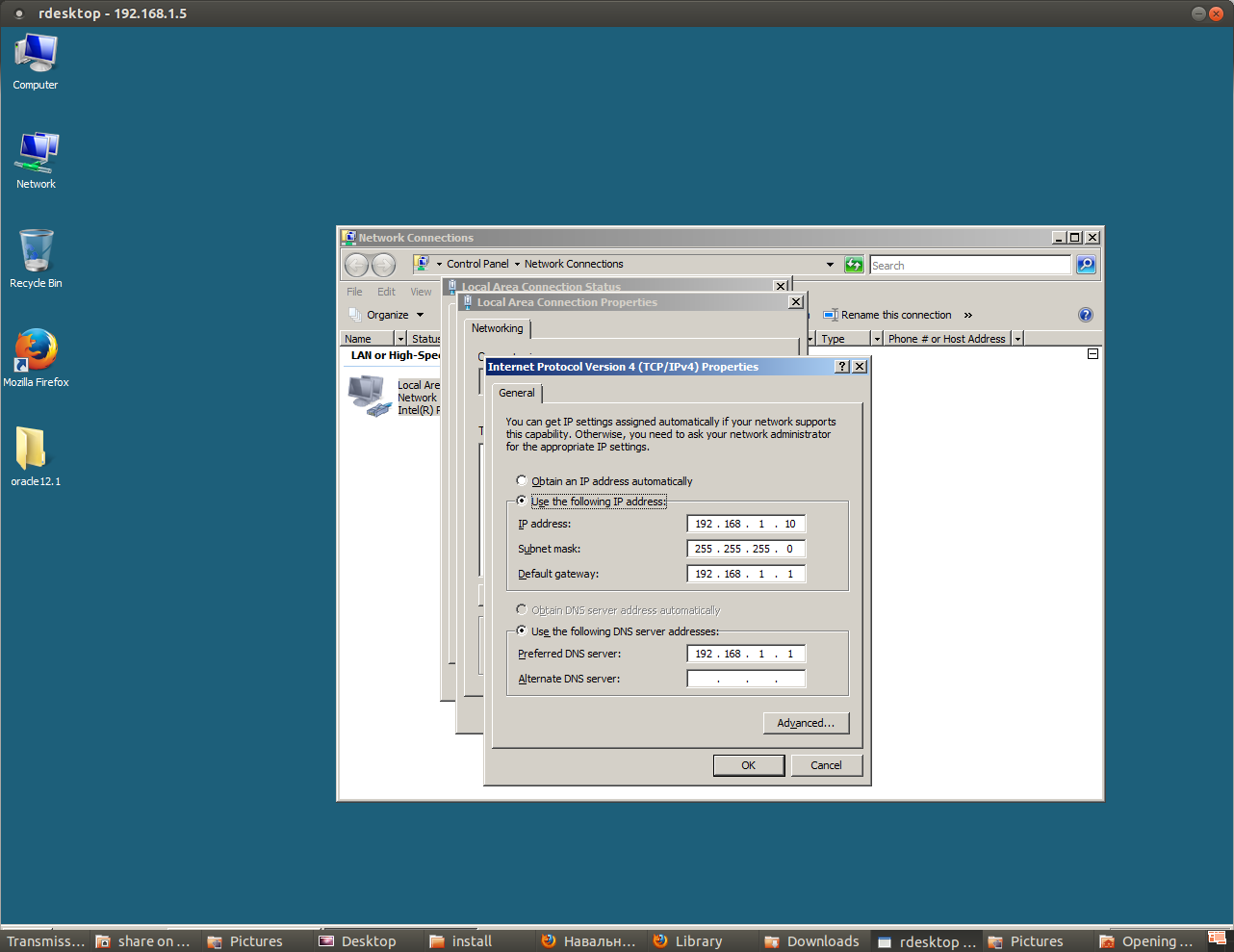
Make sure the server has a static IP address
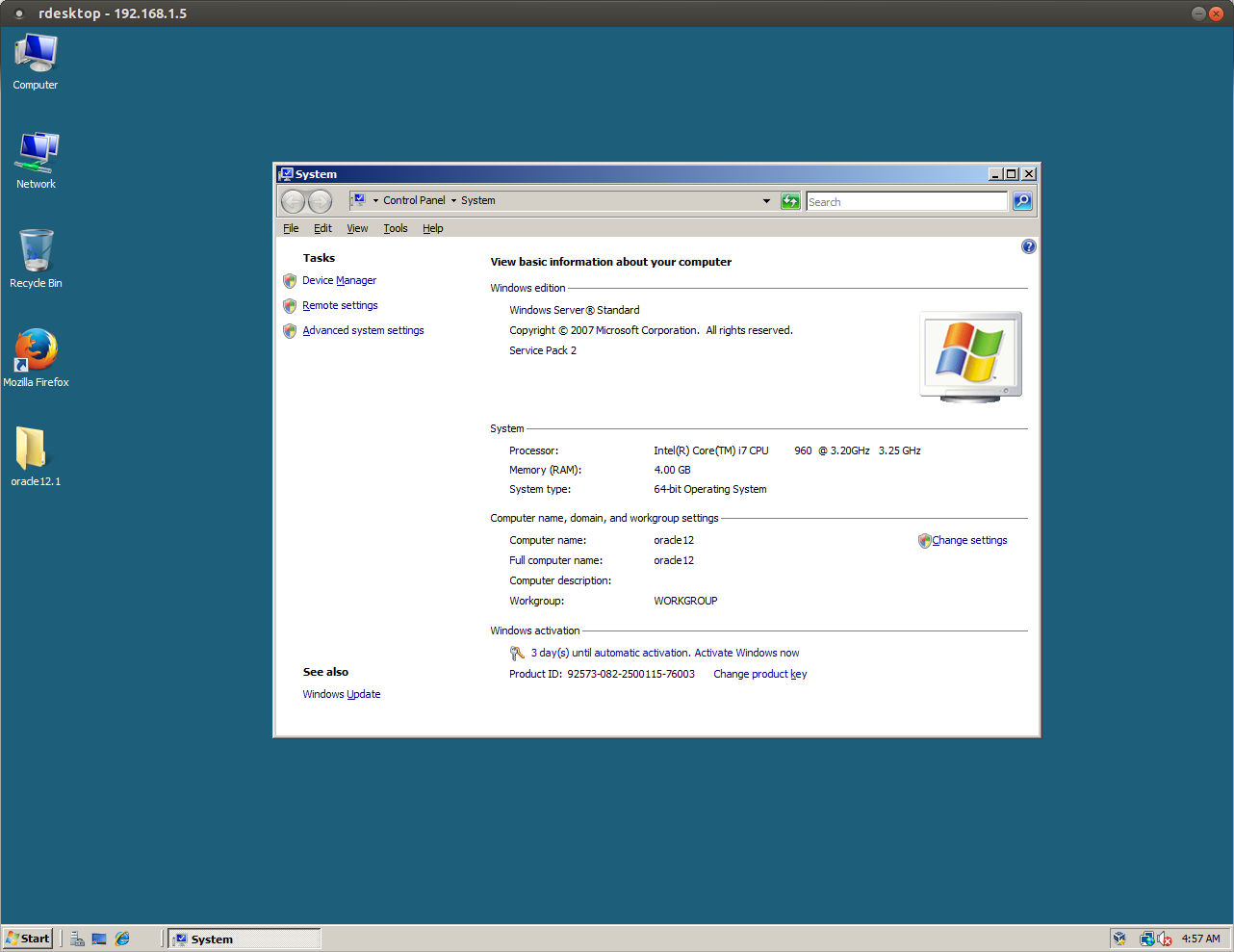
Make sure the computer name and domain are chosen correctly
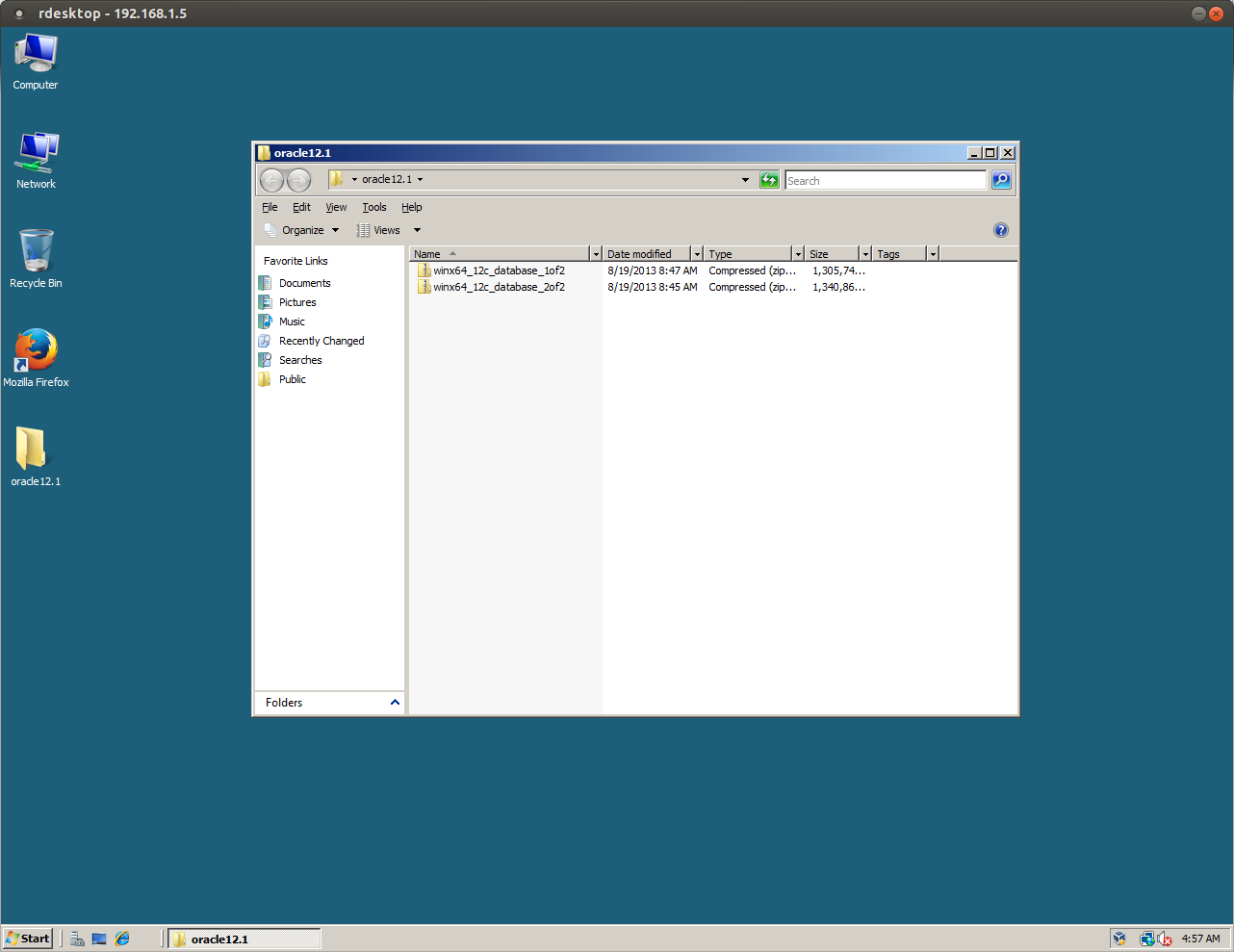
Copy the database distributions to the server